My Care Plan
Cancer Care Organizer & Support App
"Simple tools to Simplify Life"
WELCOME BACK
Stay organized today.
Your care plan, reminders, appointments, and notes are ready.

Quick Stats
My Daily Focus
Upcoming appointments, latest reminders, and recent notes appear here.
No focus items yet.
Quick Reminder
You are doing amazing. One day at a time.
Privacy First
Your care information stays stored locally on your device.
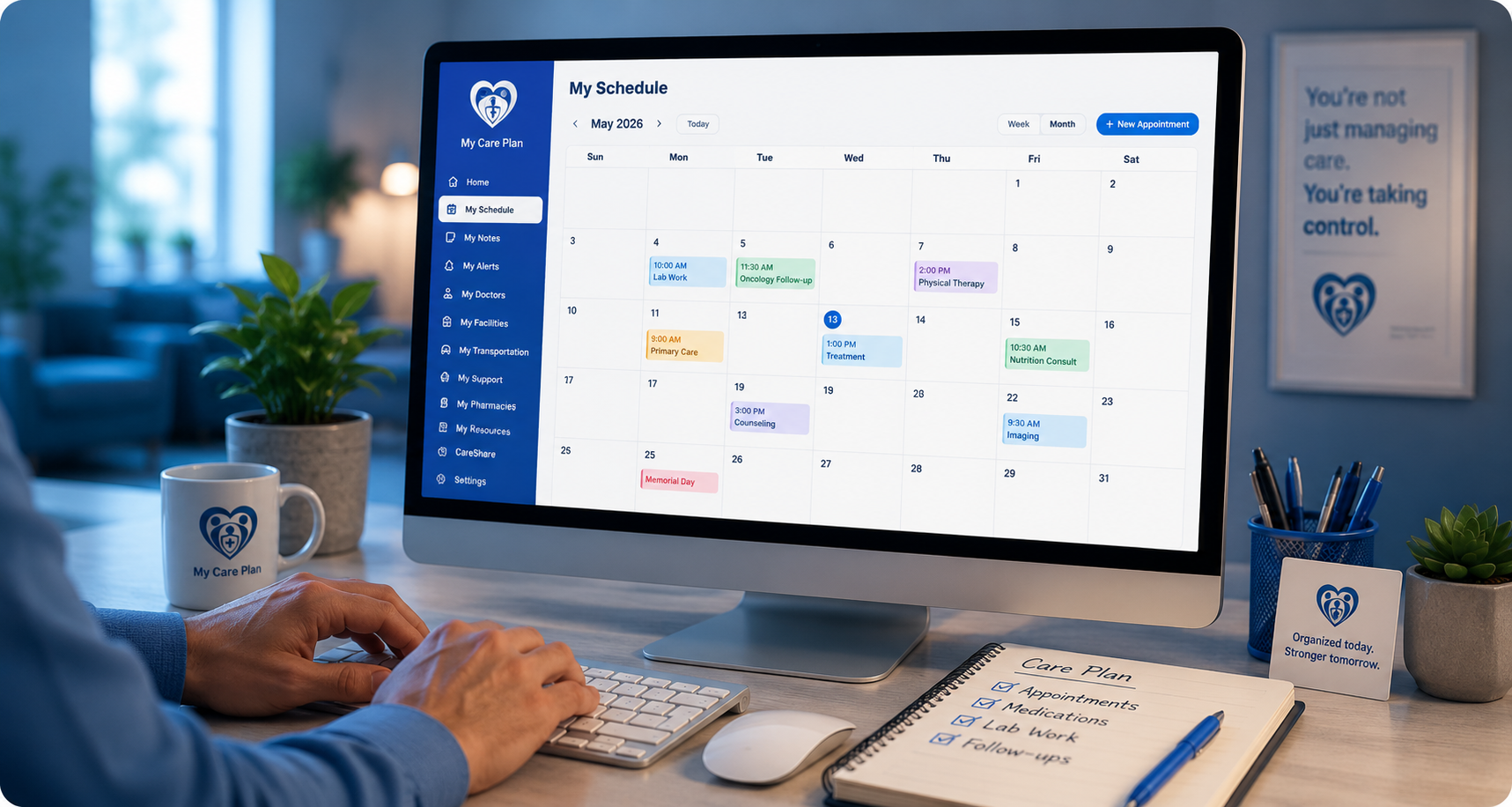
My Schedule
No saved appointments yet.
Add Appointment

Find Doctors
Use Google Maps to search for doctors, oncologists, specialists, clinics, or care providers near you.
Google Maps will open in a new browser window. Search for the provider you need, then copy or type the information into My Care Plan below.
Saved Doctors
My Doctor Information
Save doctor names, phone numbers, addresses, websites, notes, or care details you want to keep in your plan.
Saved Doctors
No doctors saved yet.

Find Facilities
Use Google Maps to search for hospitals, cancer centers, imaging centers, labs, clinics, rehabilitation centers, or other care facilities near you.
Google Maps will open in a new browser window. Search for the facility you need, then copy or type the information into My Care Plan below.
Saved Facilities
My Facility Information
Save facility names, phone numbers, addresses, websites, departments, notes, or care details you want to keep in your plan.
Saved Facility
No facility saved yet.

Find Pharmacies
Use Google Maps to search for pharmacies, cancer medication support, prescription pickup locations, or medication services near you.
Google Maps will open in a new browser window. Search for the pharmacy you need, then copy or type the information into My Care Plan below.
Saved Pharmacies
My Pharmacy Information
Save pharmacy names, phone numbers, addresses, websites, prescription notes, pickup details, or medication support information you want to keep in your plan.
Saved Pharmacy
No pharmacy saved yet.
.png)
Find Transportation Support
Use Google Maps to search for medical transportation, non-emergency rides, wheelchair transportation, senior transportation, volunteer ride support, or transportation to appointments and treatment visits near you.
Google Maps will open in a new browser window. Search for the transportation support you need, then copy or type the information into My Care Plan below.
Saved Transportation
My Transportation Information
Save transportation programs, volunteer ride services, medical ride support, senior transportation, phone numbers, service areas, websites, and notes.
Saved Transportation
No transportation saved yet.

Find Support Resources
Use Google Maps to search for cancer support groups, caregiver support, family support, child cancer support, nonprofit organizations, or community support resources near you.
Google Maps will open in a new browser window. Search for the support resource you need, then copy or type the information into My Care Plan below.
Saved Support Resources
My Support Information
Save support groups, caregiver resources, nonprofit organizations, community programs, phone numbers, meeting details, websites, and notes.
Saved Support
No saved support yet.
My Medications
No medications saved yet.
Add Medication
My Resources
www.nccn.org
www.cancer.org
www.cdc.gov/cancer
www.stjude.org
www.cancer.gov
www.cancercare.org
www.livestrong.org
www.lls.org
www.cancer.net
standuptocancer.org
www.breastcancer.org
CareShare Tools
CareShare is active in this version of My Care Plan. Use these tools to create a simple caregiver-friendly summary from the information saved in your care plan.
- Create a clear care summary for family members or caregivers
- Choose which sections to include before downloading
- Include appointments, medications, reminders, notes, contacts, and care details
- Download or print your summary for appointments, records, or caregiver support
- Keep control over what information you share
CareShare tools are included in this version.
Use the CareShare Summary section below to choose what to include, then download or print your care summary.
Included Basic Features
The CareShare version includes the same helpful tools from the basic desktop app, plus expanded sharing and backup features.
- Home dashboard
- Notes, appointments, alerts, and medications
- Emergency contact and additional contacts
- Doctor, facility, pharmacy, transportation, and support resource sections
- Daily Focus and Quick Stats
- Helpful cancer care resource links
Backup / Restore My Care Plan
Save a backup copy of your care plan data, or restore it later if needed. This is helpful if you move to another computer or want an extra copy of your saved information.
CareShare Summary
Create a caregiver-friendly summary using the sections you choose below. Empty sections will be skipped so the final summary stays clean and easy to read.
CareShare Features
CareShare is designed to help users organize and share important care information with trusted family members, caregivers, or support people.
Privacy Notice
Your privacy matters.
We do not collect or store your health information on our servers. Your notes, appointments, medications, saved contacts, saved care resources, and CareShare summary information stay on your device.
For CareShare upgrades, we only collect the information needed to manage the purchase, renewal reminders, service updates, or upgrade notices.
Payments are processed securely through a trusted third-party provider. We do not store your payment card details.

My Notes
Write down symptoms, questions, reminders, or anything you want to bring up at your next visit.
Saved Notes
No saved notes yet.
My Contacts
Primary Emergency Contact
No emergency contact saved yet.
Saved Contact
No additional contact saved yet.
Edit Emergency Contact
Add Contact
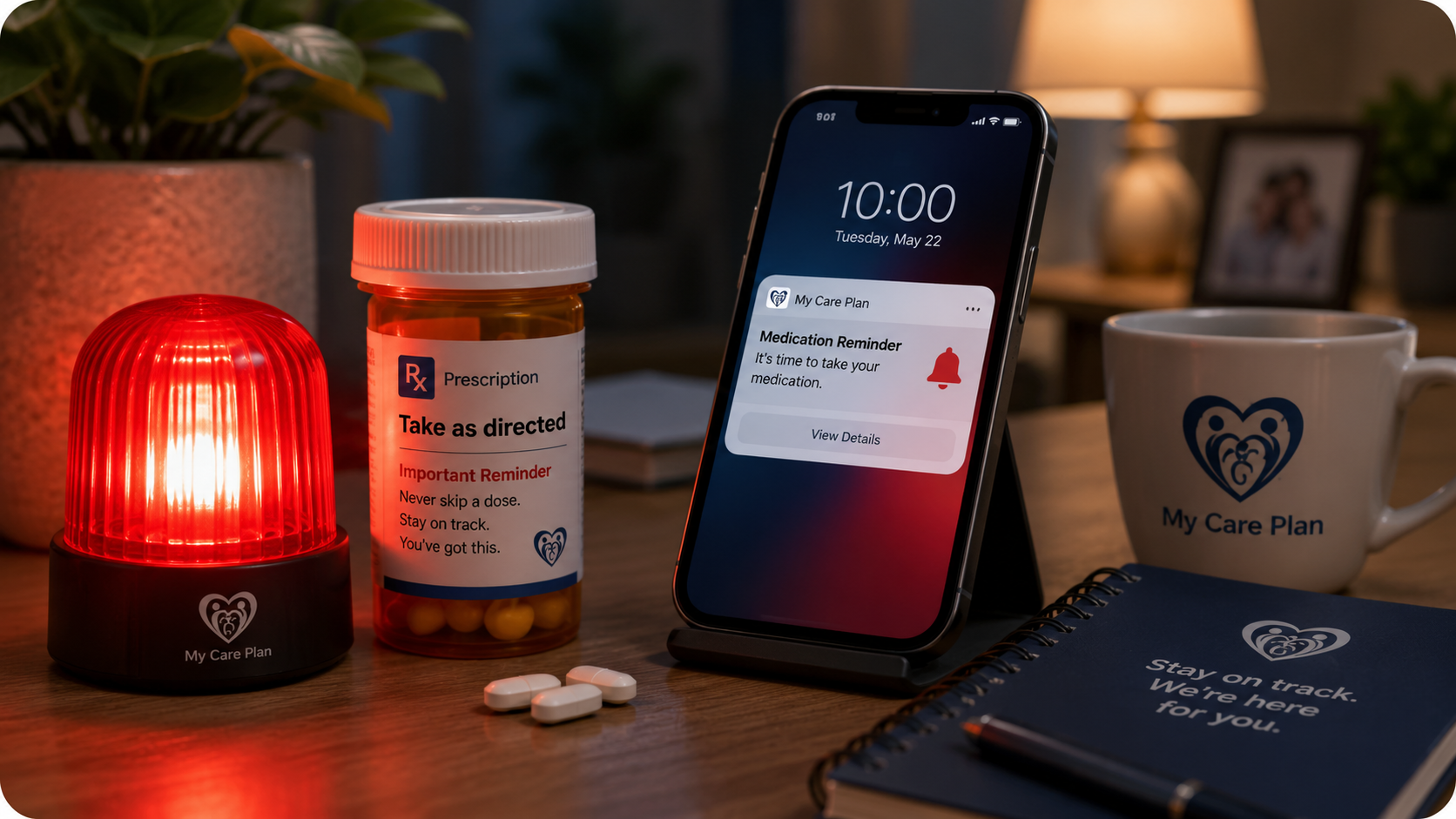
My Alerts
Upcoming Appointments
No upcoming appointments in the next 7 days.
My Alerts
No alerts yet.
Create Reminder
Privacy Policy & Terms of Use
My Care Plan - Privacy Policy & Terms of Use
Privacy Policy
Effective Date: 04/10/2026
My Care Plan ("we", "our", or "us") is committed to protecting your privacy.
1. Information We Collect
We do not collect or store personal health information on our servers. All medical-related data entered into the app is stored locally on your device.
We may collect:
- Email address (for subscription and renewal reminders)
- Payment-related identifiers (processed securely through third-party merchant services)
2. Use of Information
We use collected information solely to:
- Process subscriptions
- Send renewal reminders
- Improve app functionality
3. Payment Processing
All payments are handled through secure third-party providers. We do not store credit card or banking information.
4. Data Storage
All health-related data remains on your device. We do not transmit or store medical data externally.
5. Security
We implement reasonable safeguards, but users are responsible for securing their own devices.
6. Third-Party Links
The app may include links to external resources. We are not responsible for their privacy practices.
7. Changes
We may update this policy periodically.
Contact: support@mycareplanhub.com
Terms of Use
Effective Date: 04/10/2026
By using My Care Plan, you agree to the following terms:
1. Use of App
This app is for informational and organizational purposes only and does not provide medical advice.
2. No Medical Advice
Always consult qualified healthcare professionals for medical decisions.
3. Subscription
CareShare is a paid subscription billed annually. Users will receive renewal reminders prior to billing.
4. Payments
All payments are processed through third-party providers. Fees may include applicable taxes.
5. User Responsibility
Users are responsible for maintaining the security of their devices and data.
6. Limitation of Liability
We are not liable for any damages arising from use of the app.
7. Modifications
We reserve the right to modify these terms at any time.
8. Governing Law
These terms shall be governed by the laws of the applicable jurisdiction.
Contact: support@mycareplanhub.com